

Stop Making Your Team Do What a System Can Do Automatically.
A practical guide to workflow automation, digital approvals, business systems, integrations, dashboards, notifications, reporting, and process automation for businesses in Bacolod and Negros Occidental.
Many growing businesses do not realize how much employee time is spent simply moving information from one place to another. Someone copies data from a form into Excel. Another employee sends the same information through chat. A manager approves it manually. Someone else updates a tracker and then informs accounting. When this happens hundreds of times, the company is not only losing time—it is creating more opportunities for errors. Business automation in Bacolod helps turn repeatable processes into structured digital workflows so people can spend less time encoding, following up, and checking whether somebody remembered the next step.
If an employee repeatedly copies the same information, sends the same reminder, prepares the same report, checks the same condition, or follows up on the same approval every week, there may be an opportunity to automate part of that workflow.
What Is Business Process Automation?
Business process automation uses digital systems to perform repetitive actions, move information, apply predefined rules, trigger notifications, update records, prepare reports, or route work without requiring an employee to manually perform every step.
Automation can be simple. A submitted leave request can automatically notify the correct supervisor. A sales form can create a customer record. An approved purchase request can move to the next department. A dashboard can calculate current inventory without somebody rebuilding the report every morning.
How to Automate a Business Process Without Creating More Problems
Document who starts the process, what information is required, who approves it, what decisions are made, and what happens afterward.
Do not automate a bad process. Remove duplicate encoding, unnecessary approvals, repeated forms, and steps that no longer serve a useful purpose.
Look for repetitive rules, notifications, calculations, status changes, report preparation, data transfer, document generation, and routing.
Decide whether existing tools can be integrated or whether the workflow needs a dedicated system, database, dashboard, portal, or custom application.
Check exceptions, permissions, incorrect inputs, approval changes, failed notifications, reporting, user access, and what happens when the normal path does not apply.
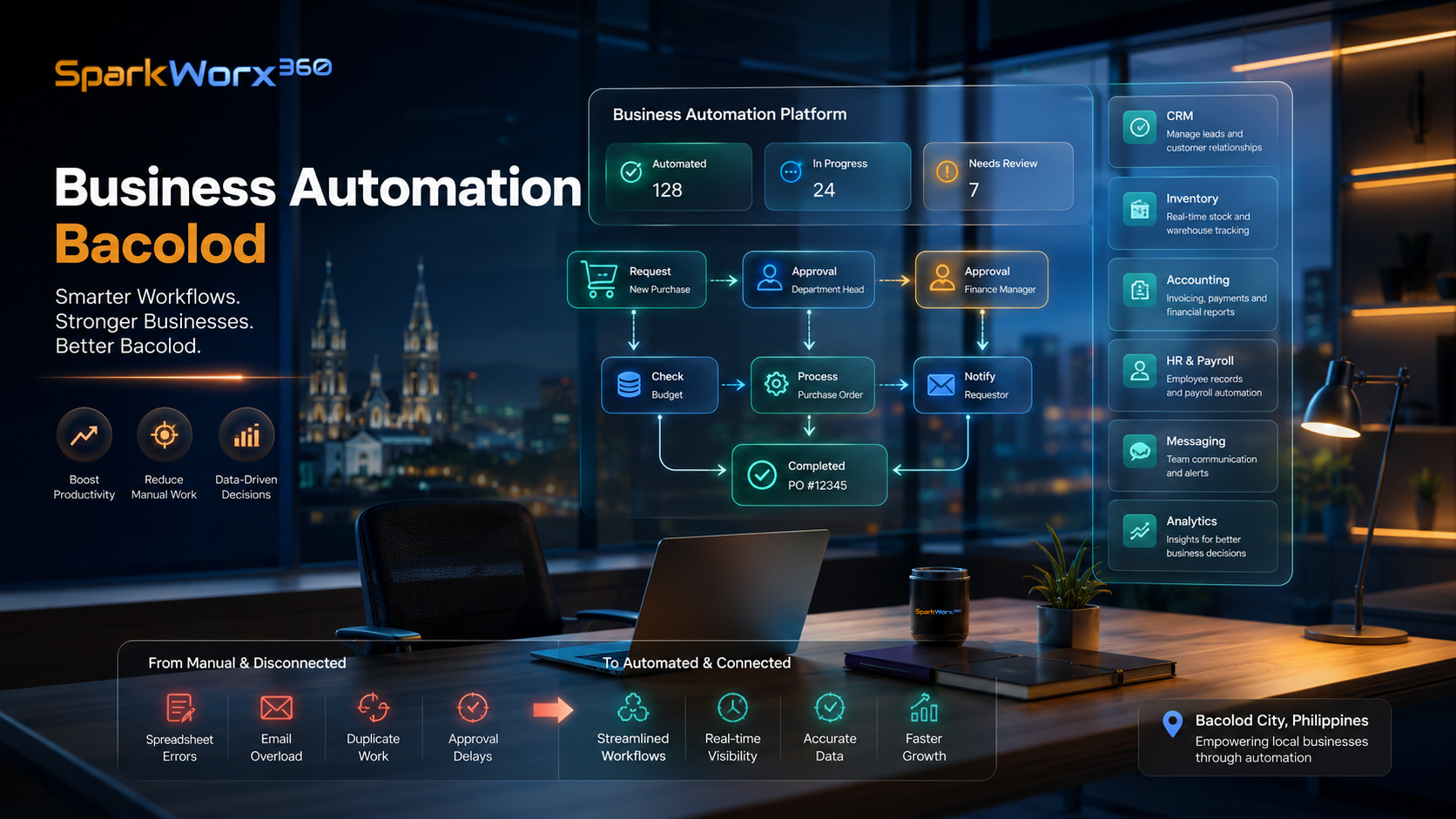
What Business Processes Can Be Automated?
Automation does not have to begin with an expensive company-wide system. Many businesses get value by improving one repetitive workflow at a time.
Leave requests, attendance corrections, employee records, onboarding checklists, approvals and payroll inputs can move through controlled digital processes.
Stock movements, low-stock alerts, branch transfers, approvals, reorder triggers and operational reports can become easier to monitor.
Purchase requests, reimbursements, expense approvals, billing information and financial documents can follow clearer workflows.
Website inquiries, lead assignments, reminders, customer records and follow-up tasks can be triggered automatically.
Replace repetitive paper or spreadsheet processes with digital forms, controlled records, generated documents and searchable histories.
Instead of rebuilding reports repeatedly, approved business data can feed management dashboards and recurring summaries.
Not Everything Should Be Automated
Automation is most useful for predictable, repeatable work. Decisions that require judgment, sensitive employee discussions, unusual customer issues, strategic management, and important exceptions may still require human review.
Calculations, routing, reminders, status changes, validations and predictable actions are often strong candidates.
Dashboards and alerts can give managers better information without automatically making every decision for them.
Approval rights, permissions, audit trails and exceptions should remain clear even when much of the workflow is automated.
Signs Your Business May Be Doing Too Much Manually
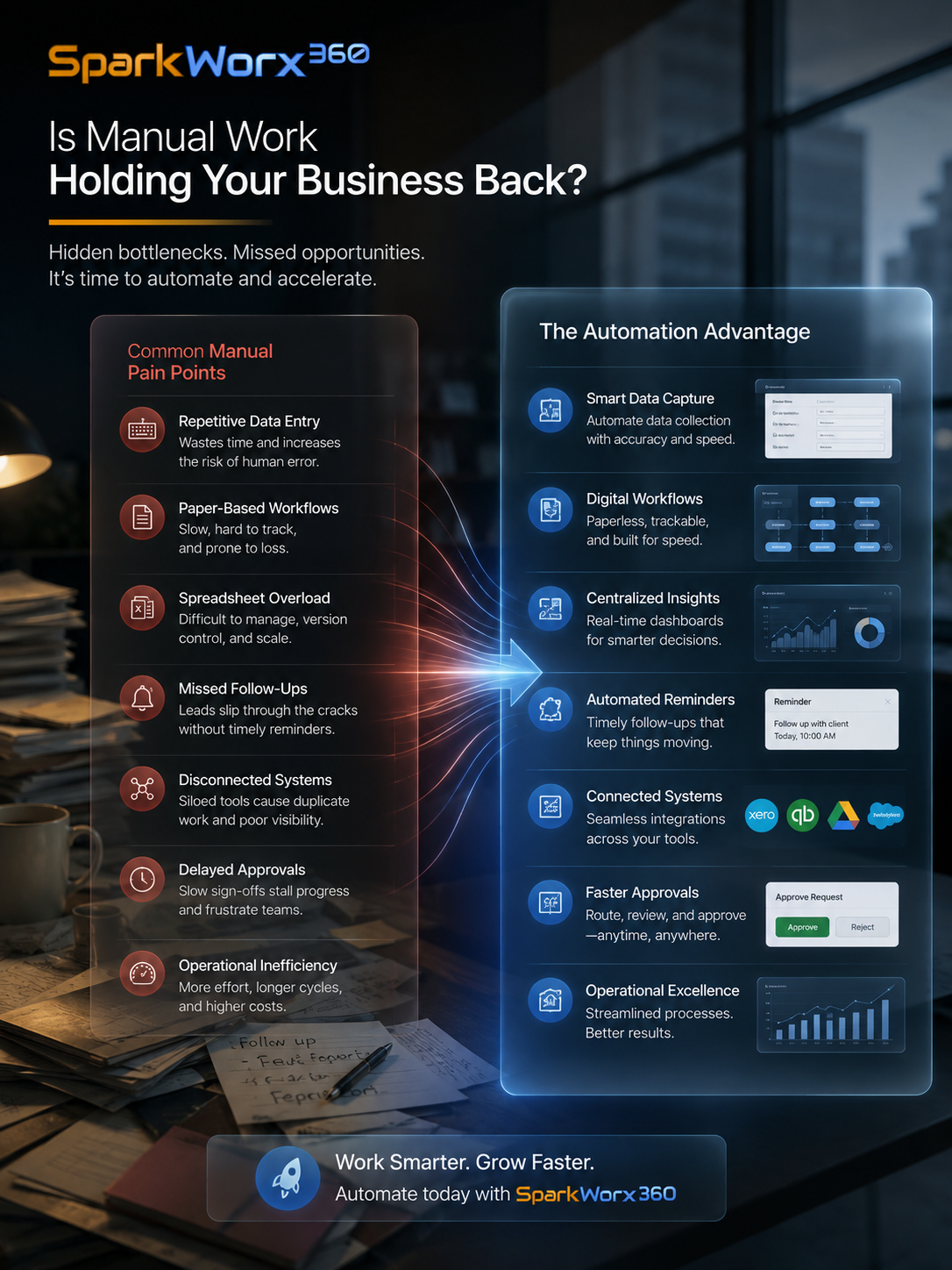
Manual work becomes expensive when the same information keeps moving between people, spreadsheets and chat threads. Employees may spend hours checking status, sending reminders, searching for documents or preparing reports that the business already has enough data to generate automatically.
The problem becomes more serious as the company grows. A process that worked with five employees may become difficult with fifty. A spreadsheet that handled one branch may become unreliable when several branches need to update it simultaneously.
Common Business Automation Mistakes
Technology can make a bad workflow move faster. Simplify and clarify the process before turning every existing step into software.
A system should solve an identified business problem. Buying features first often leads to tools employees do not actually use.
Real operations do not always follow the perfect path. Good automation should anticipate corrections, rejected requests, missing data and unusual cases.
Automation still needs appropriate user roles, approvals, permissions, audit history and controls around sensitive business information.
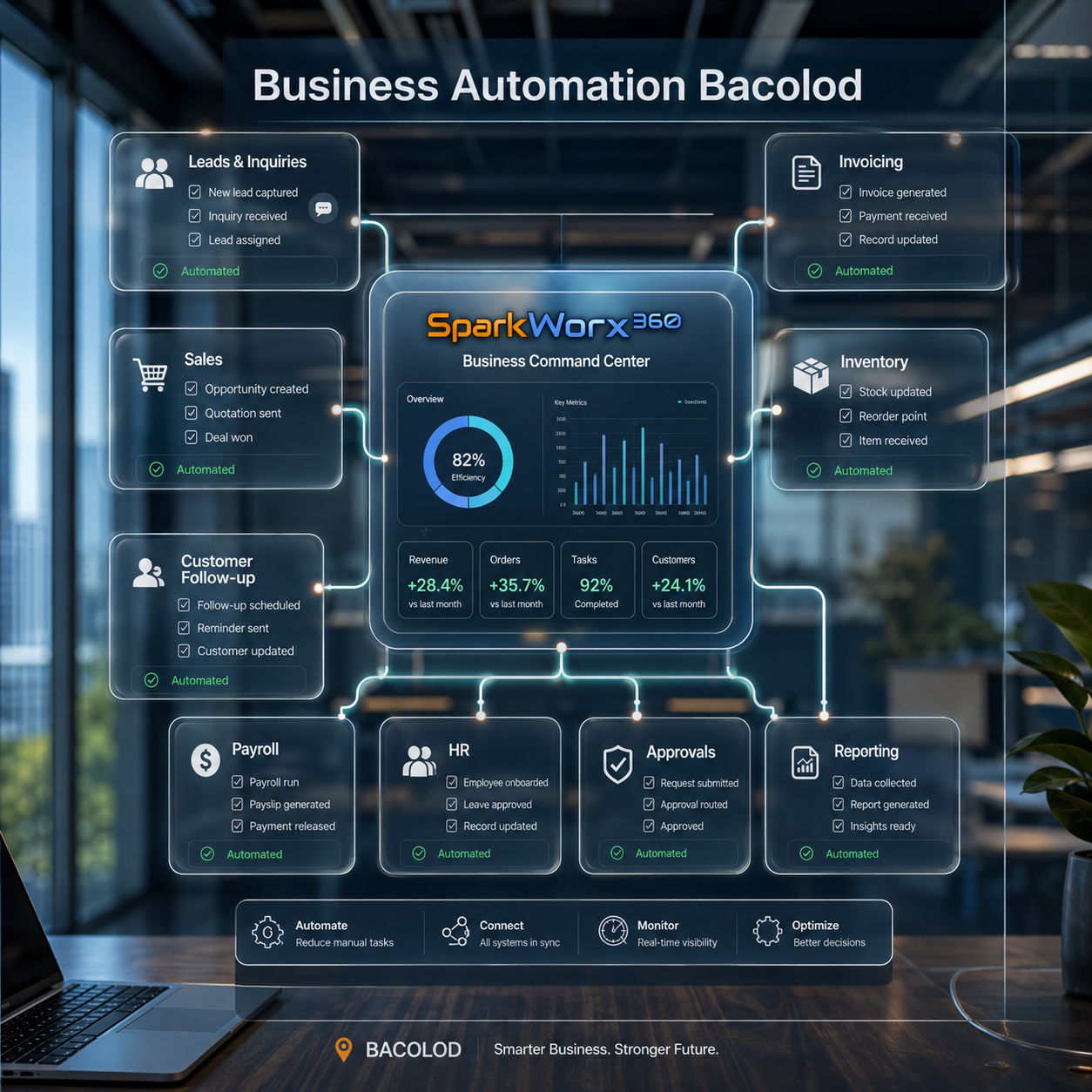
Which Process Should You Automate First?
Start with a process that happens frequently, consumes meaningful staff time, follows relatively predictable rules, and creates a noticeable problem when somebody makes a mistake or forgets the next step.
You do not need to automate the entire company at once. A practical approach is to improve one workflow, measure the result, allow employees to adapt, and then move to the next high-value process.
Turn Repetitive Business Work Into Structured Digital Workflows
SparkWorx 360 can help businesses identify manual bottlenecks, redesign workflows, determine which steps should be automated, and implement appropriate digital solutions. Depending on the engagement, this may involve forms, approvals, dashboards, integrations, business portals, reporting systems, workflow applications, or more customized software solutions.
Some workflows can be improved using tools the business already has. Others may require integrations, a new digital workflow, or a dedicated platform. Custom software becomes more appropriate when the company needs unique business logic, multiple user roles, specialized databases, complex approvals, proprietary processes, or functionality that existing applications cannot handle efficiently.
Business Automation for Bacolod Companies and Growing SMEs
Restaurants, distributors, retailers, clinics, service companies, property businesses, schools, family enterprises and growing SMEs in Bacolod often begin with spreadsheets and manual processes because these are fast and inexpensive to set up. As transaction volume, headcount and branches grow, however, those same tools can become difficult to control.
If the first problem is unclear business processes rather than technology itself, review our Business Consulting Bacolod resource. Businesses looking to improve customer-facing digital channels can also explore Website Development Bacolod .
Complexity and cost depend on the number of processes, users, roles, integrations, approval levels, reports, security requirements, data migration, customization, and systems involved. Some projects can be solved with straightforward automation, while others require a separately scoped custom business application.
Frequently Asked Questions About Business Automation in Bacolod
What is business automation?
Business automation uses technology to perform or support repetitive tasks such as routing requests, applying rules, updating records, sending notifications, preparing reports and moving information between steps in a workflow.
What business processes can be automated?
Common opportunities include HR requests, attendance, payroll inputs, purchase approvals, inventory movements, lead follow-up, document generation, customer inquiries, notifications, dashboards and recurring reporting.
Does automation mean replacing employees?
Not necessarily. In many SMEs, automation is more useful for removing repetitive administrative work so employees can spend more time on customers, operations, analysis and decisions that still require human judgment.
Do I need custom software to automate my business?
Not always. Some workflows can be automated using existing tools or integrations. Custom software is more appropriate when the business requires unique processes, specialized functionality, several user roles, databases or more complex business logic.
Can SparkWorx 360 help identify what should be automated?
Depending on the engagement, SparkWorx 360 can review existing workflows, identify bottlenecks, map automation opportunities and help implement suitable forms, dashboards, integrations, workflow systems or custom digital solutions.
Your Best Employees Should Not Spend Their Day Copying, Checking and Following Up.
If your team repeatedly encodes the same information, relies on several spreadsheets, follows up manually on approvals, or spends hours preparing reports that could be generated from existing data, talk to SparkWorx 360. We can help identify which processes should be simplified, automated, integrated or developed into a better business system.


